How to Get a Free Jamaican Business Number, Step by Step
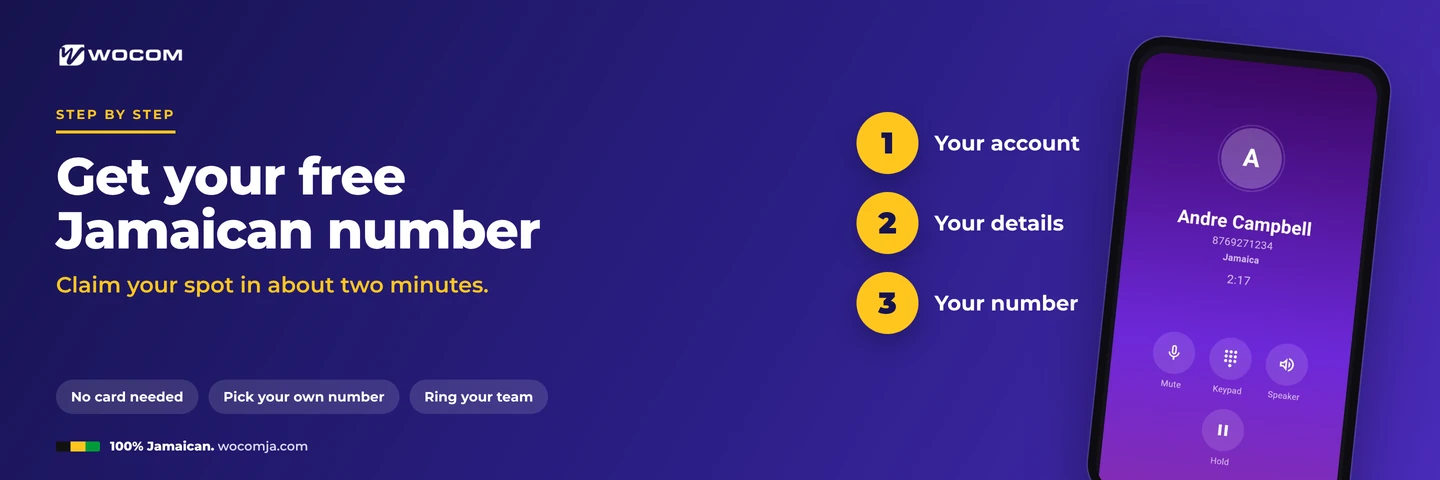
Launching Wednesday 23 December 2026. WOCOM Business is taking free reservations now. Claim your spot today. On launch day you are e-mailed to pick your number, and an activation e-mail lets you activate the app by scanning a QR code. Until then, steps 1 and 2 below reserve your line. Choosing your number and the steps after it open on launch day.
Before you start: have these four things ready
The sign-up for a free WOCOM Business line is short, but it goes faster when everything is beside you. Have these ready:
- Your phone, with your e-mail open. A 6-digit code is e-mailed to you to confirm the address.
- Your Jamaican mobile number (876 or 658). You sign in to the portal and the app with it.
- Your TRN, the 9-digit Taxpayer Registration Number.
- A valid government ID. A Jamaican passport, a Jamaican driver's licence, or a Government of Jamaica ID such as the National ID or Voter ID. It must not be expired.
You do not need a credit card. None is asked for.
Step 1: create your account
Go to the WOCOM Business sign-up page. Continue with a Google, Microsoft or Apple account you already have, or type your e-mail. If you use e-mail, a 6-digit code arrives within a minute. Check your spam or junk folder if you do not see it. The code works for 15 minutes.
Step 2: add your details
You are asked for four things:
- Your name. The person in charge of the account.
- Your business name. Callers hear it in your welcome greeting and it shows on your receipts. You can change it later.
- Your e-mail. Your receipts and voicemail are sent here.
- Your mobile number. A Jamaican mobile. This is for signing in. It is not the new business number.
Step 3: confirm who you are
Phone numbers in Jamaica must be tied to a real, identified person. You enter your TRN, choose your type of ID, type its number and expiry date, and take a clear photo of it. Lay the ID flat in good light so the whole card is readable.
Next comes a quick photo of your face, which is compared with the photo on your ID. It protects you from someone opening a line in your name. Face a window or a light and take off sunglasses and hats. If your device has no camera, you can continue and WOCOM staff review your account instead.
Your ID is stored encrypted and is seen only by WOCOM staff. Outgoing calls are switched on once it is approved.
Step 4: choose your business number
Now the part most people enjoy. You are shown Jamaican numbers to choose from. Tap one, or type digits you would like, for example 2024, to search for a number that contains them. Then activate it.
Once you activate the number, your line is set up with free calling credit and you land in your portal. Before launch day, this is the step you come back for when WOCOM e-mails you on 23 December.
Step 5: get your team answering
- Install the WOCOM Prepaid app, free on Android and iPhone.
- Sign in with the code you are sent. Your business number now rings on that phone, even when it is locked.
- In your portal, add your second team member. The free plan includes 2 extensions.
- Set your opening hours and choose how calls ring: everyone at once, in order, or in turns.
- Call your new number from another phone to hear your greeting and check it rings.
Common snags, and the fix
- No code arrived. Look in spam or junk, then use "Resend code".
- Typed the wrong e-mail. Use "Wrong e-mail? Change it" and enter it again.
- The camera will not open. Your browser asks permission the first time. Choose "Allow". If you chose "Block", tap the lock or camera icon beside the address bar and allow the camera.
- Still stuck. Write to support@wocomja.com, or dial 611 free from any WOCOM line.
After sign-up: keep the number active
Keep your number by topping up at least once every 60 days. You are reminded before a number is released. For the full picture of what is free and what costs money, read what is free and what costs, and for the overview see our guide to the free 876 business number with no credit card.
Frequently Asked Questions
How long does it take to get a free Jamaican business number?
Claiming your spot takes about two minutes. WOCOM Business launches on Wednesday 23 December 2026, and on that day you are e-mailed to pick your number. Outgoing calls are switched on once your ID is approved.
Can I choose my own number?
Yes. You pick from the Jamaican numbers shown, and you can search for digits you would like to have in the number.
Which ID is accepted?
A Jamaican passport, a Jamaican driver's licence, or a Government of Jamaica ID such as the National ID or Voter ID. It must not be expired. You also enter your TRN.
Is my ID safe?
Your ID is stored encrypted, is never e-mailed, and is seen only by WOCOM staff. The face photo is deleted 90 days after your account is approved.
Get your free WOCOM Business line. Free 876 number, free calling credit, no card needed. Questions? Call 876-906-7240 or write to support@wocomja.com.
Continue exploring
Ready to upgrade your communications?
Talk to our team about the right solution for your business.
Book a Demo Contact SalesEverett Kildare is WOCOM's voice and infrastructure specialist, with more than 25 years of experience designing and running carrier-grade voice, SIP and virtualization infrastructure. Holding a BSc in Information Technology, he has built, secured and migrated phone systems for businesses of every size. Everett writes WOCOM's technical coverage of SIP trunking, cloud PBX, contact centres, business continuity and migration.